Open your alba88 login safely
Blackjack, Book of Dead and Aviator sit behind one alba88 login, with account checks placed before the lobby so your wallet and profile stay tied to one verified…
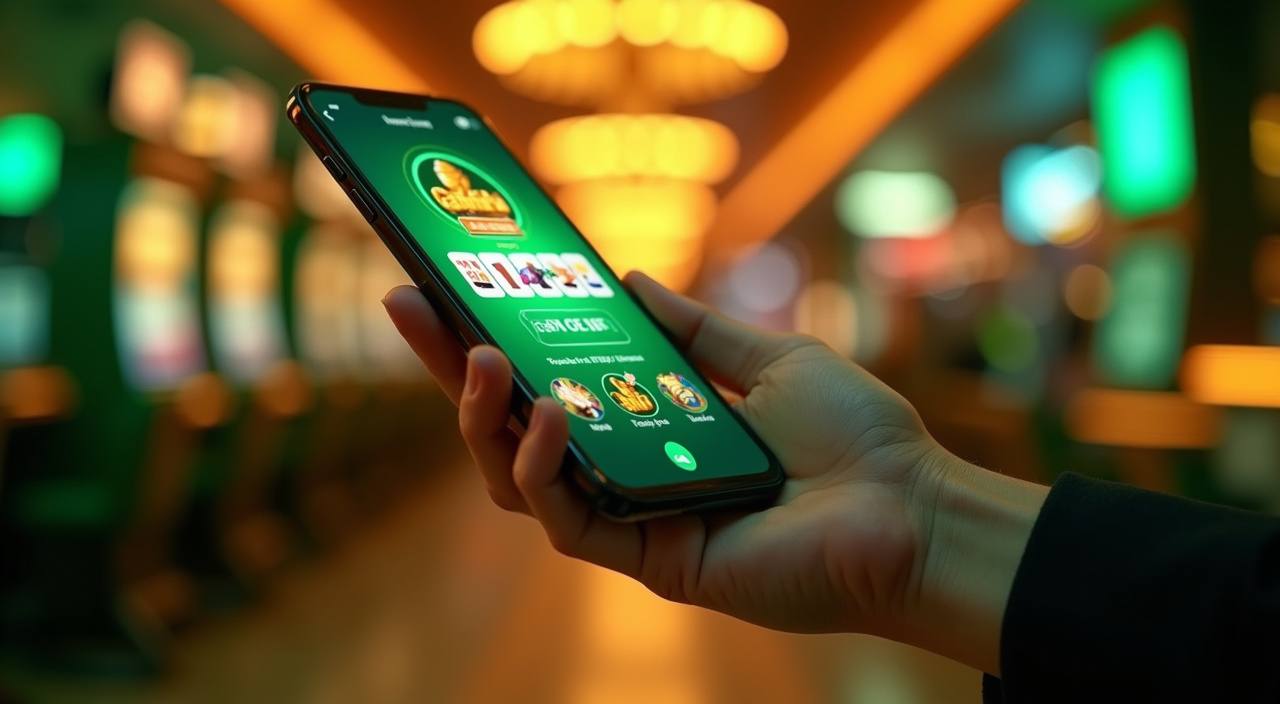
Start your account flow clearly
Open your account in seconds and we'll show you the full lobby after your sign-in is accepted. We ask for the same core details at entry each time: your phone number, password, and any extra check shown on the screen. When you return, the login panel remembers your device only if you allow it in
your browser. That keeps shared phones cleaner while still letting you move faster on your own device.
-
Verified sign-in Your first access step links your phone number to one account record, so we can match wallet activity, password resets, and support requests without asking you to repeat the same details.
-
Full lobby entry After login, we take you past the account gate and into the lobby selector, where Blackjack, Book of Dead, Aviator, Bingo, and Royal Fishing sit under your active profile.
-
Clean device control You can choose whether the browser keeps your login state. On shared phones, we suggest signing out from the account menu before closing the tab.
-
Help tied to account When you contact us after login, the support team can see the account reference you provide and check the exact step where your access flow paused.
Your details are protected with encrypted, secure access.
Check wallet options after login
Your wallet tools appear only after alba88 login, so every funding request is tied to your account record before it moves.
Reach account help without waiting
Login issues should be handled from the account path you used, not from a random message thread.
Protect your login and account data
A safe login flow starts before you reach the lobby. We use encrypted pages, account verification, session controls, and logged-in support checks to reduce account mix-ups.
Encrypted page
The login form runs through an encrypted connection, so your password is not sent as plain text. Always check that the address bar shows alba88.club before entering account details.
Identity match
When an account needs checking, we compare the phone number, profile name, and recent access activity. This helps us handle recovery requests without handing control to the wrong person.
Session timeout
A session may close after inactivity or after a device change. Sign in again from the login page rather than refreshing old tabs that may no longer carry valid access.
Login history
Your account menu can show recent access signals when they are available. If you see a device you do not recognise, contact us before adding funds or changing profile details.
Data handling
We ask only for details needed to identify the account, complete access checks, and respond to support cases. Screenshots sent to us should hide passwords and private message previews.
Access rules
We keep account entry tied to the region and rules that apply to your location. If access is restricted, the login page may stop before the lobby opens.
Solve alba88 login questions quickly
Most login questions come down to the same few account checks: phone number, password, device session, verification code, or recovery details. Use the answers below before opening a new account, because a duplicate profile can slow wallet checks and support replies. If your issue continues, contact us from the same device you used for the failed sign-in.